Five workflows small businesses should automate first
Not everything needs to run on its own. These five workflows save time every week in almost any small business, and here is how to start without getting lost.

Mikail Kuchmetzki
Automation 4 min read
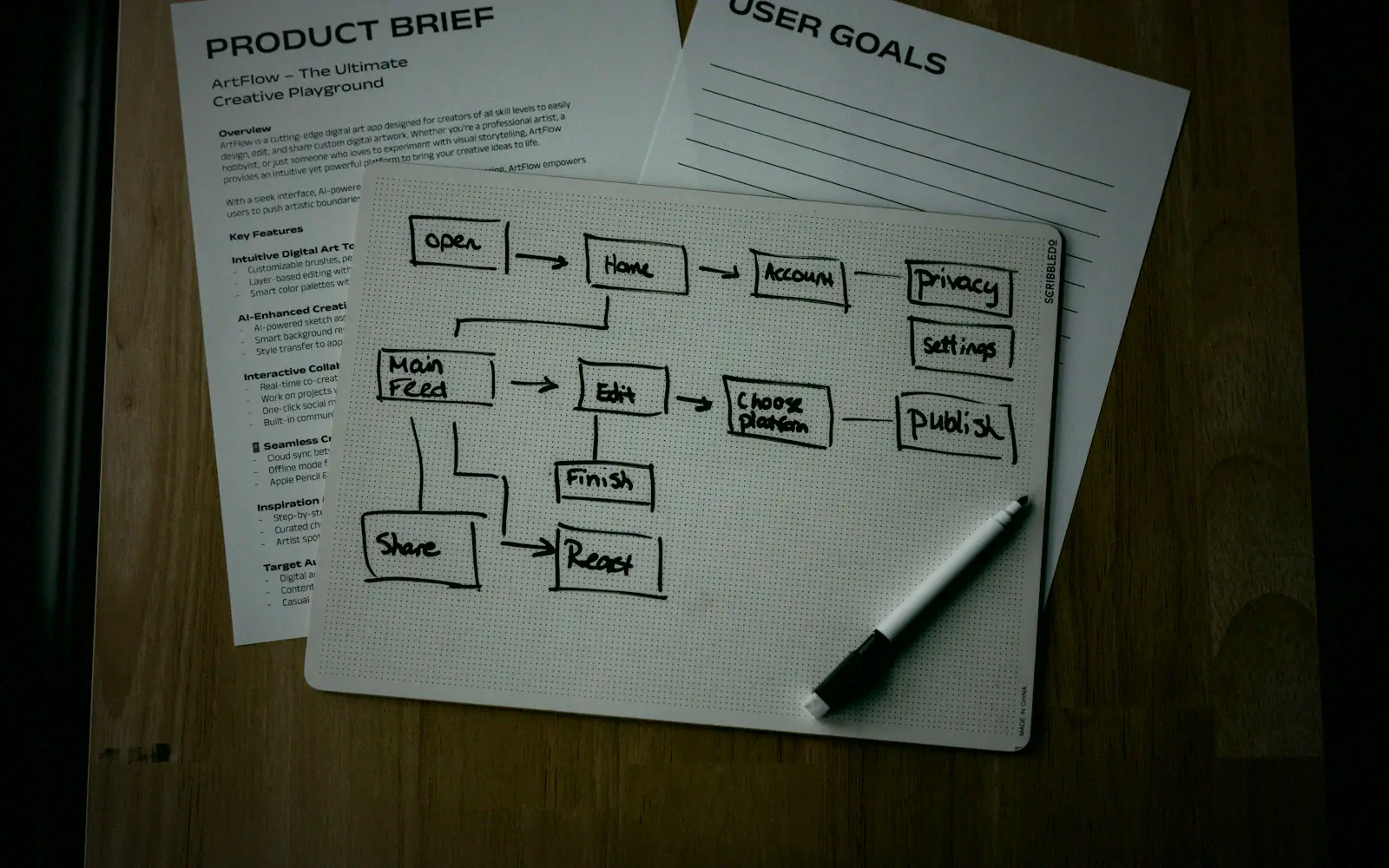
Photo: Kelly Sikkema / Unsplash, edited
"Automation" sounds like a big IT project. In a small business it is usually about something much simpler: the ten tasks that run the same way every week and that someone still has to do. Forwarding an enquiry, sending a reminder, pulling numbers together from three spreadsheets.
Here are five workflows that are worth automating almost anywhere. Most of them run in my own business before I offer them to anyone else.
1. Enquiries straight to your phone
The most expensive enquiry is the one nobody sees. Contact forms often land in an inbox that is not always open, or in a spam filter. It happened to me: the form service on my website can file a real enquiry as spam without telling anyone.
The fix is simple. Every submission also sends a message to your phone, for example via Telegram or as a push notification. You see the enquiry within seconds and can reply the same day. When an enquiry goes to several providers at once, that often decides who gets the job.
New enquirynow
“Could you quote us for online booking?”

2. Reminders that send themselves
Appointment reminders, unpaid invoices, contracts about to expire: if you send them by hand, sooner or later you forget one. An automated workflow checks every morning what is due and sends the right message.
What matters here is a log. You should always be able to see who was reminded of what and when, so nobody is contacted twice or not at all.
3. The weekly report that arrives by itself
How many enquiries came in this week? How many people visited the website? Which invoices are open? Instead of opening three programs every Monday, the answer arrives as one message.
That is how I get the numbers for my own website on my phone every Monday, built with the tool n8n. It takes half a day to set up and saves the hunting around every week after that.
Weekly report
Example dataVisits
1,284+12%
Demo opens
38+5
Replies
9+2
4. Type data in only once
In many businesses the same information is entered several times: once in the form, once in the customer list, once on the invoice. Every bit of retyping costs time and creates typos.
An automation carries the data from one system to the next. A new enquiry lands directly in the customer list, an accepted quote creates the customer in your accounting. The condition is that the programs have an interface (an API). Most common tools do.
5. Follow up without having to remember
A quote has gone out, and then nothing happens. Many jobs are not lost because the customer says no, but because nobody followed up. An automated workflow reminds you after a few days or sends a short follow-up itself.
There is one rule I built firmly into my own sales system: as soon as the customer replies, the automation stops. Nothing looks worse than an automatic reminder to someone who said yes yesterday.
What to watch out for
An automation is only as good as its brakes. Three things always belong with it:
- A kill switch. If something goes wrong, the workflow must stop with one click.
- A human for anything customers read. Automatic reminders are fine. Automatic replies to complaints are not.
- Clarity on data protection. If customer data goes to a service, a messenger for example, it has to be in your privacy policy. Services outside your own legal area can come with extra rules.
What it costs
At Mikavo a single automation costs from €490 at a fixed price. On top of that there may be running costs for the tools themselves. Tools like n8n can be self-hosted or rented as a service, and we talk about that beforehand. If you want me to run it, care costs from €49 a month.
How to start
For one week, write down every task you do the same way more than twice. At the end of the week you have a list, and usually one item jumps out straight away: the one that annoys you most. That is where we start.
Good automation goes unnoticed. You only notice that there is more time left on Friday.